Mistfall Hunter: Keyboard or Controller?
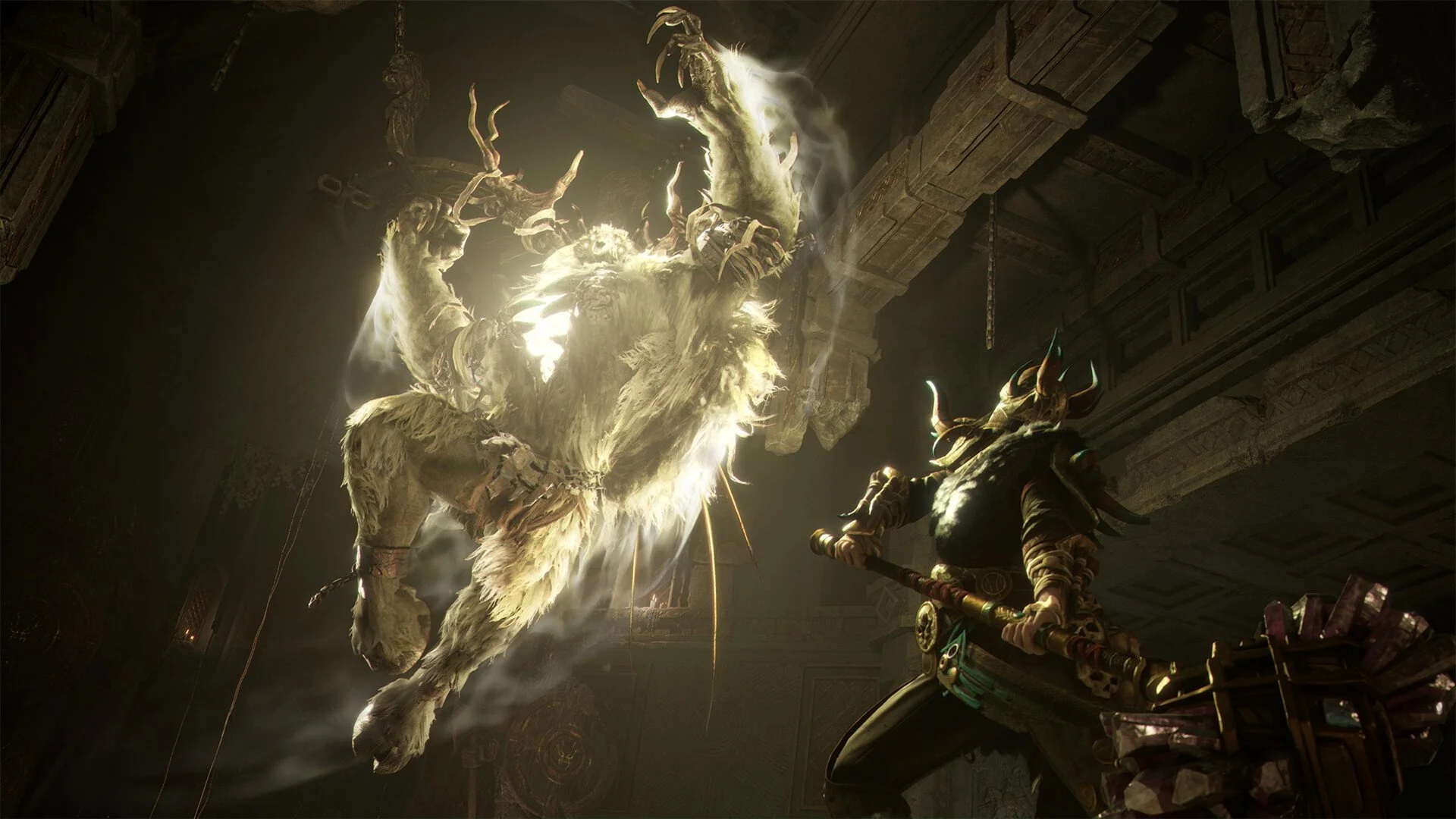
Mistfall Hunter may resemble a traditional third-person action RPG, but the extraction format changes what you need from the controls. Fights rarely stay clean for long. A boss encounter can attract another Hunter, a ranged opponent can appear above you, or an enemy can move behind the camera while you are already dealing with a group of monsters.
Both keyboard and mouse and controller work well, although they emphasize different parts of the combat. Keyboard and mouse provides quicker camera movement and more precise ranged aiming, while controller offers smoother movement and a familiar feel for dodging, blocking, and close-range attacks. The better choice depends largely on the class you intend to play.
Jump To Section:
Which Input Is Better?
Keyboard and Mouse
Controller
Best Input by Class
PvP and Solo Play
Performance Problems
Which Should You Choose?
Which Input Is Better in Mistfall Hunter?
Keyboard and mouse has the broader advantage because Mistfall Hunter regularly asks you to turn quickly, check several directions, and manually follow moving targets. Those benefits are most noticeable on ranged classes and during PvP, where another player is far less predictable than a normal enemy.
Controller is not far behind, especially when playing a melee class. Analog movement feels better while circling an opponent, adjusting your spacing, or moving through a combo without making abrupt changes in direction. Players who already use a gamepad for Soulslike and third-person action games may find that comfort more valuable than the additional precision of a mouse.
There is no reason to force yourself onto keyboard and mouse solely because it has a higher competitive ceiling. Familiarity still matters. A controller player who knows every button instinctively will usually perform better than someone who is still looking down to remember where a tactical item is mapped.
Why Keyboard and Mouse Works So Well
The clearest advantage is camera control. A mouse lets you turn immediately toward a sound, check behind your character, or move between targets without waiting for the camera to rotate at a fixed stick speed. That becomes increasingly important once PvE and PvP overlap.
Ranged attacks also feel more deliberate. Blackarrow needs to track moving enemies and make small corrections while preparing shots, while Sorcerer benefits from accurately placing attacks before an opponent reaches melee range. Missing an important ability with either class can surrender the distance that was keeping you safe.
The keyboard also provides more direct access to skills, consumables, tactical items, and utility tools. You can assign separate keys to the actions you use most often rather than fitting everything around a limited set of controller buttons.
The tradeoff is movement. Keyboard inputs are more abrupt than an analog stick, particularly when making small adjustments around a melee opponent. This is something most players adapt to, but it can initially make close-range combat feel less fluid than it does on a controller.
Why Controller May Feel More Natural
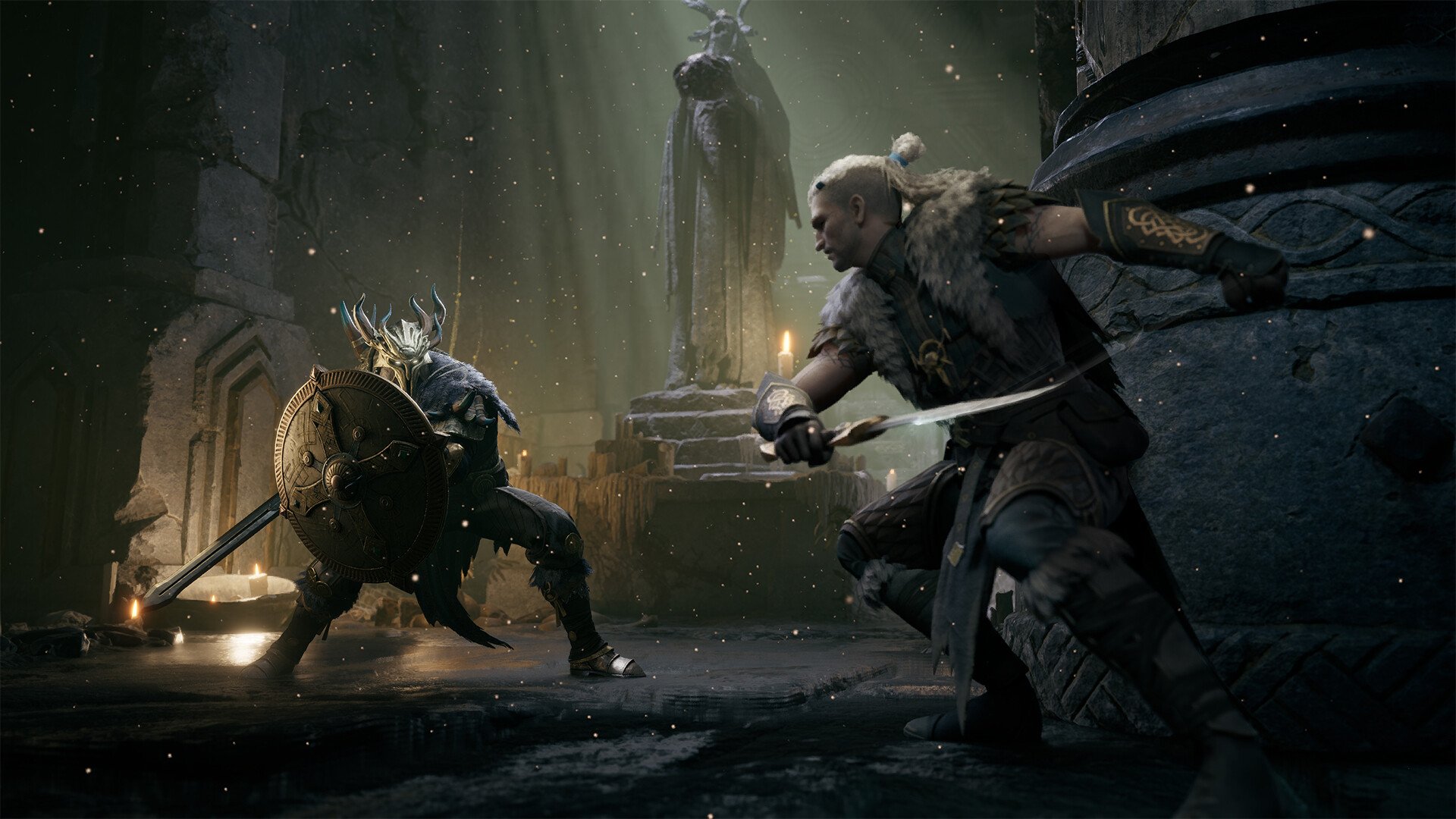
Mistfall Hunter’s melee combat translates comfortably to a gamepad. Analog movement makes it easier to circle enemies and adjust your approach, while attacks, dodges, blocks, and counters sit naturally within reach during longer encounters.
This is particularly useful for Mercenary and Withered Knight. Both spend much of their time close to the target, where movement and timing matter more than lining up a distant attack. The controller’s slower camera response is still a disadvantage when someone attacks from behind, but it is less damaging than it would be on Blackarrow or Sorcerer.
The right camera sensitivity makes a significant difference. A setting that is too low can leave you struggling to follow quick opponents, while an excessively high setting makes smaller corrections difficult. Raise the horizontal sensitivity until you can turn comfortably during combat without making ordinary camera movement feel unstable.
The relatively close camera can make slower turning feel more restrictive than it would in a game with a wider view. Mistfall Hunter does not currently provide a standard field-of-view adjustment, which is covered in our Mistfall Hunter FOV guide.
Best Input for Each Class
Blackarrow benefits the most from keyboard and mouse. The class relies on ranged pressure, careful positioning, and following targets while they move between cover. A mouse makes those adjustments faster and gives you a better chance of landing attacks before an enemy closes the distance.
Sorcerer is also better suited to keyboard and mouse. Its damage and crowd control are strongest when the class maintains control of the space around it. Faster camera movement helps you redirect spells, watch for flanks, and react before a melee class reaches you.
Seer leans toward keyboard and mouse because it needs to pay attention to several parts of a fight. Managing enemies, teammates, runes, sigils, and support abilities becomes easier when you can quickly move the camera and reach individual abilities without relying on button combinations.
Mercenary is comfortable on either input, although controller is a natural fit. Its close-range combat, durability, and straightforward weapon styles make analog movement useful without creating a heavy dependence on ranged precision.
Withered Knight also feels well suited to controller. Parries, counters, heavy attacks, and greatsword pressure fit the gamepad layout, although mouse control can still help when using the grappling hook or following an opponent that is trying to escape.
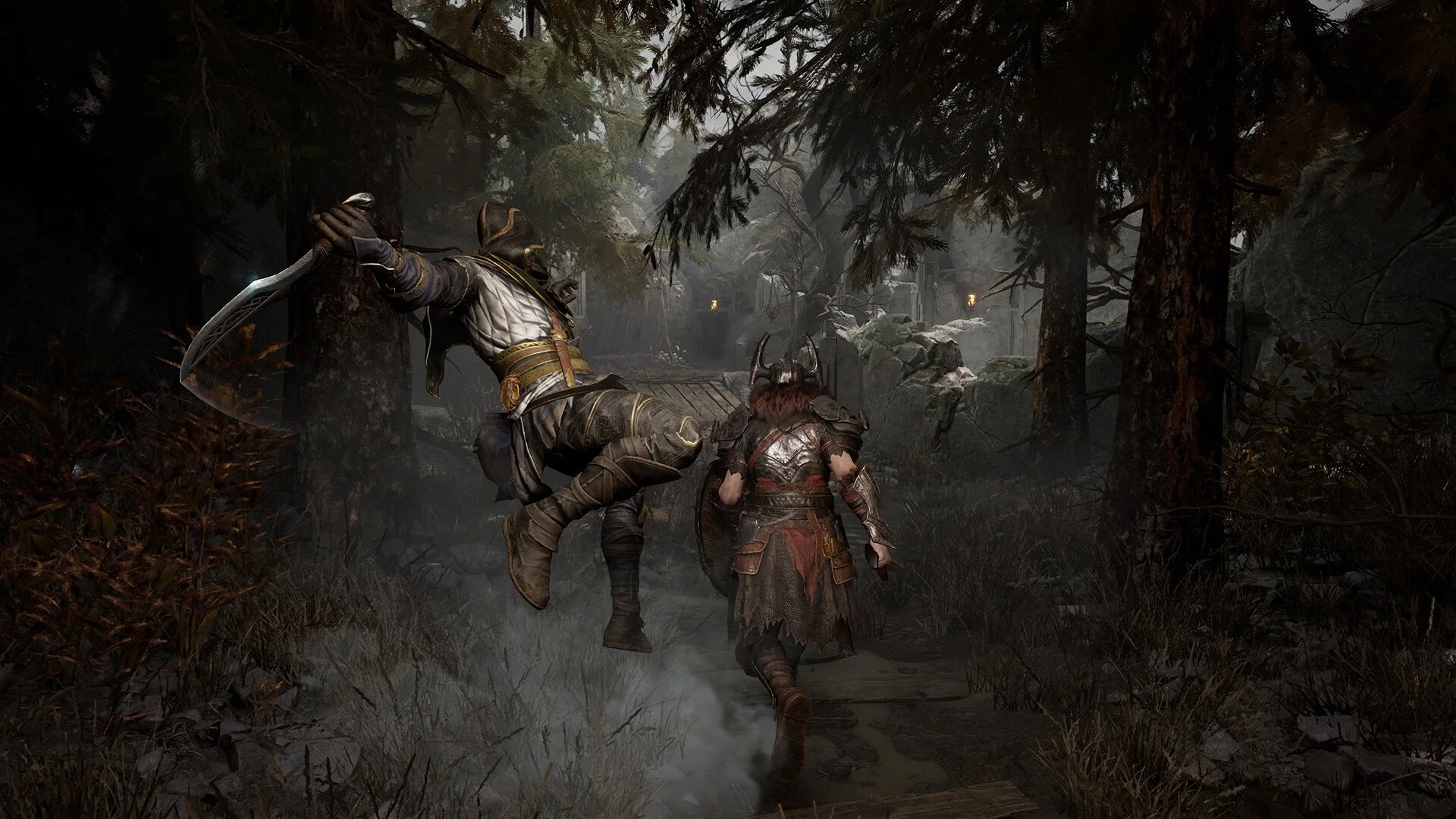
Shadowstrix is the closest decision. Controller suits its rapid melee movement, but a mouse is better for turning during an ambush or staying on an evasive player. The stronger option comes down to whether you value fluid movement or faster camera adjustments.
Input preference should not be confused with overall class strength. Our Mistfall Hunter class tier list ranks the full roster for survivability, PvP, solo play, and group utility.
Keyboard or Controller for PvP and Solo Play?
Keyboard and mouse becomes more valuable in PvP because players constantly change direction, use cover, and attack from unexpected angles. A mouse makes it easier to follow those movements and react when an encounter suddenly expands beyond the enemy directly in front of you.
That advantage matters even more when playing alone. There is no teammate watching another entrance or warning you about someone approaching from behind, so being able to scan the area quickly can prevent an ambush from becoming an immediate loss.
Controller remains viable for solo Mercenary and Withered Knight players because both classes can survive imperfect positioning better than the more fragile ranged options. Shadowstrix also performs well on either input once you become comfortable managing its movement and escape tools.
Players choosing a class specifically for solo runs can find a more detailed comparison in our Mistfall Hunter best solo class guide.
Make Sure Performance Is Not the Problem
Stuttering can make mouse movement feel inconsistent and create the impression that a controller is responding slowly. If the camera briefly freezes or jumps during combat, changing sensitivity or switching devices may not address the real issue.
Test camera movement in a quiet area and watch for frame-time spikes before blaming the input. The developer-recommended performance changes are covered in our Mistfall Hunter stuttering fix guide.
Should You Play With Keyboard or Controller?
Keyboard and mouse is the better all-around choice for Blackarrow, Sorcerer, Seer, competitive PvP, and anyone who values fast camera control. It provides the precision needed for ranged attacks and makes it easier to react when a fight changes unexpectedly.
Controller is an equally reasonable choice for Mercenary and Withered Knight, particularly if you already prefer gamepads for third-person melee games. Shadowstrix works well with either input and is the class most likely to come down entirely to personal comfort.
Players who are comfortable with both should begin with keyboard and mouse, then consider switching to controller if they settle on a melee class and prefer the feel of analog movement. The difference matters, but not enough to outweigh years of familiarity with one control method.
If you are unable to join friends on another server, our Mistfall Hunter region lock guide explains how regional restrictions affect parties and what you can do about them.