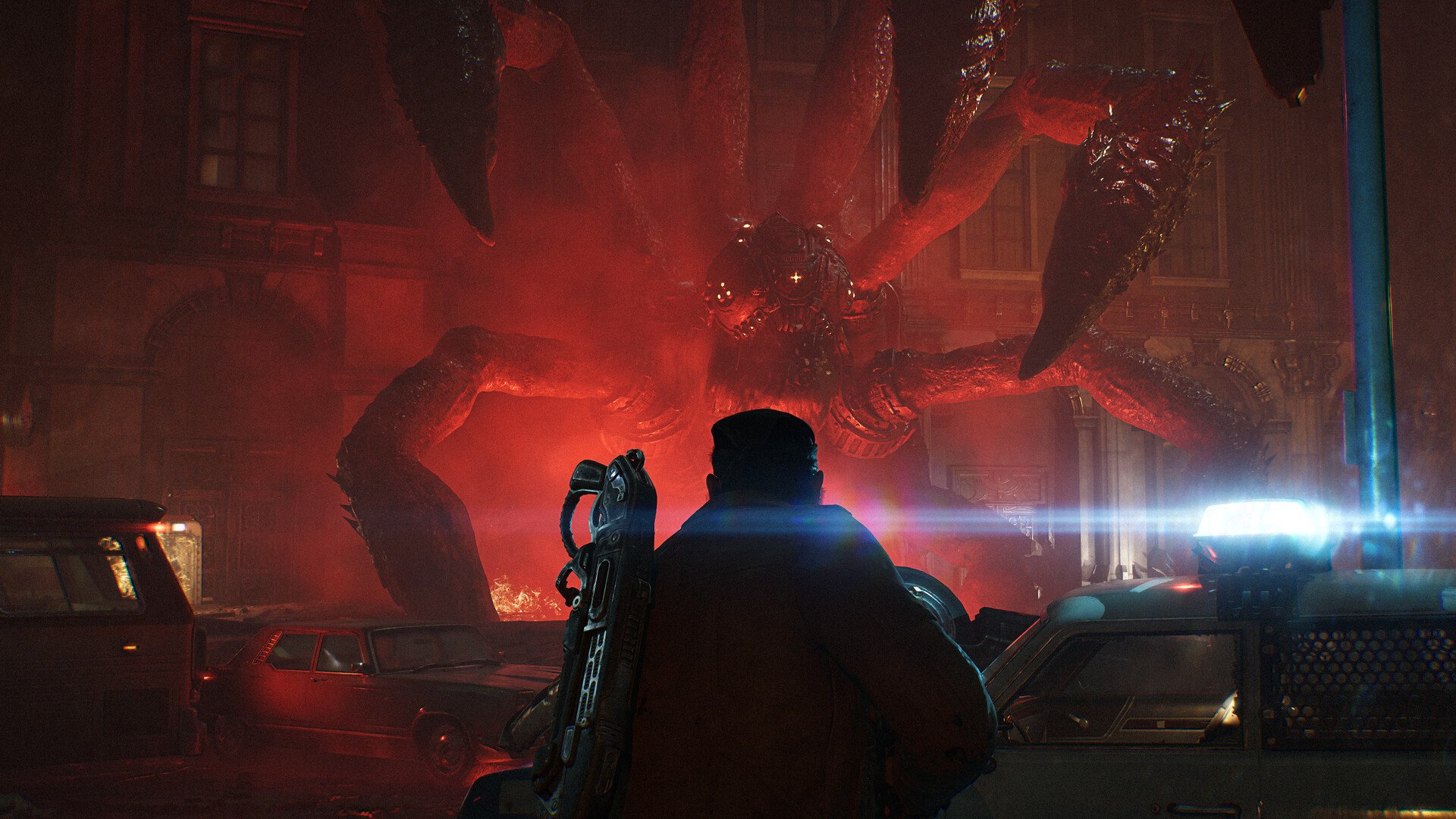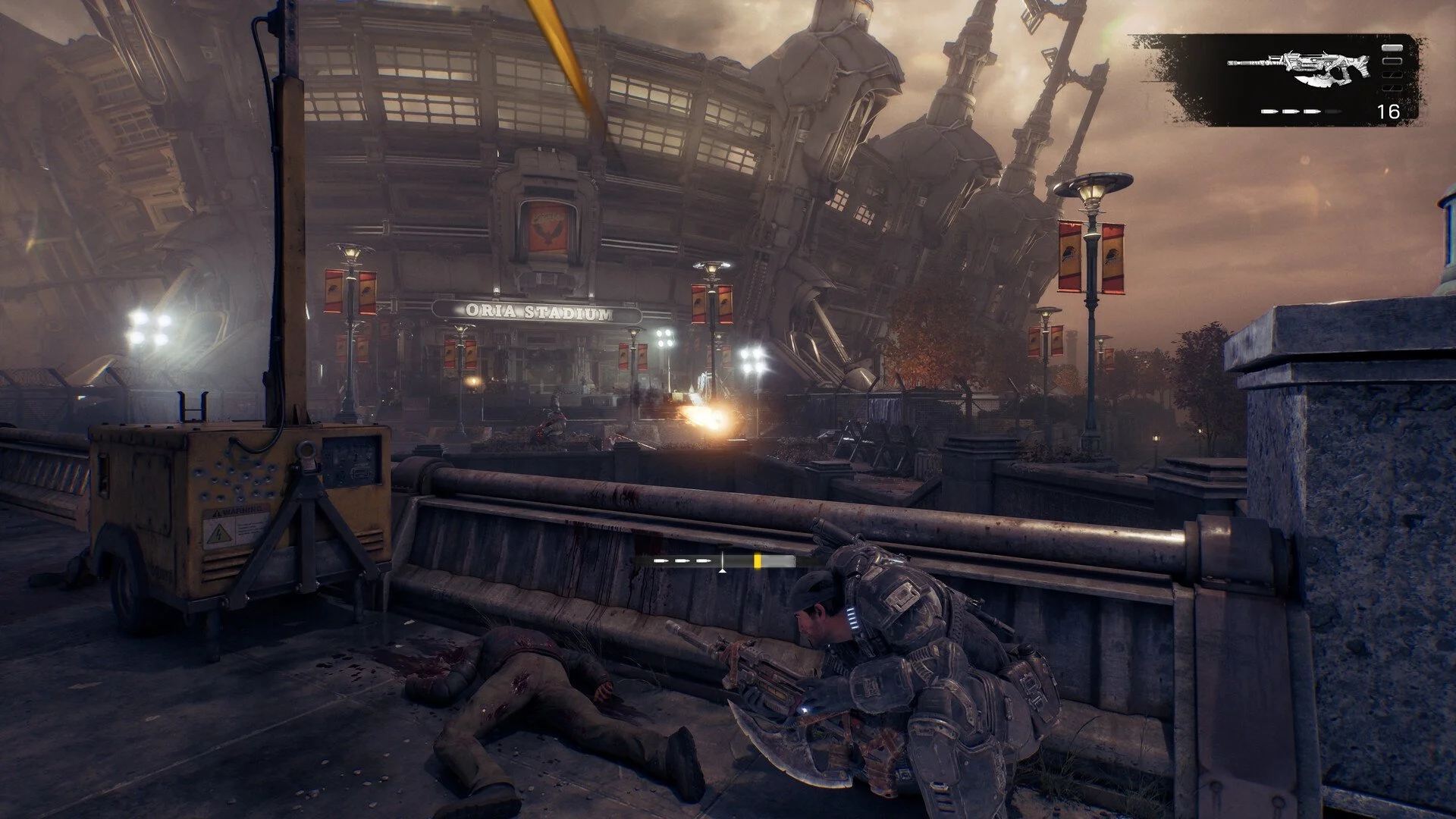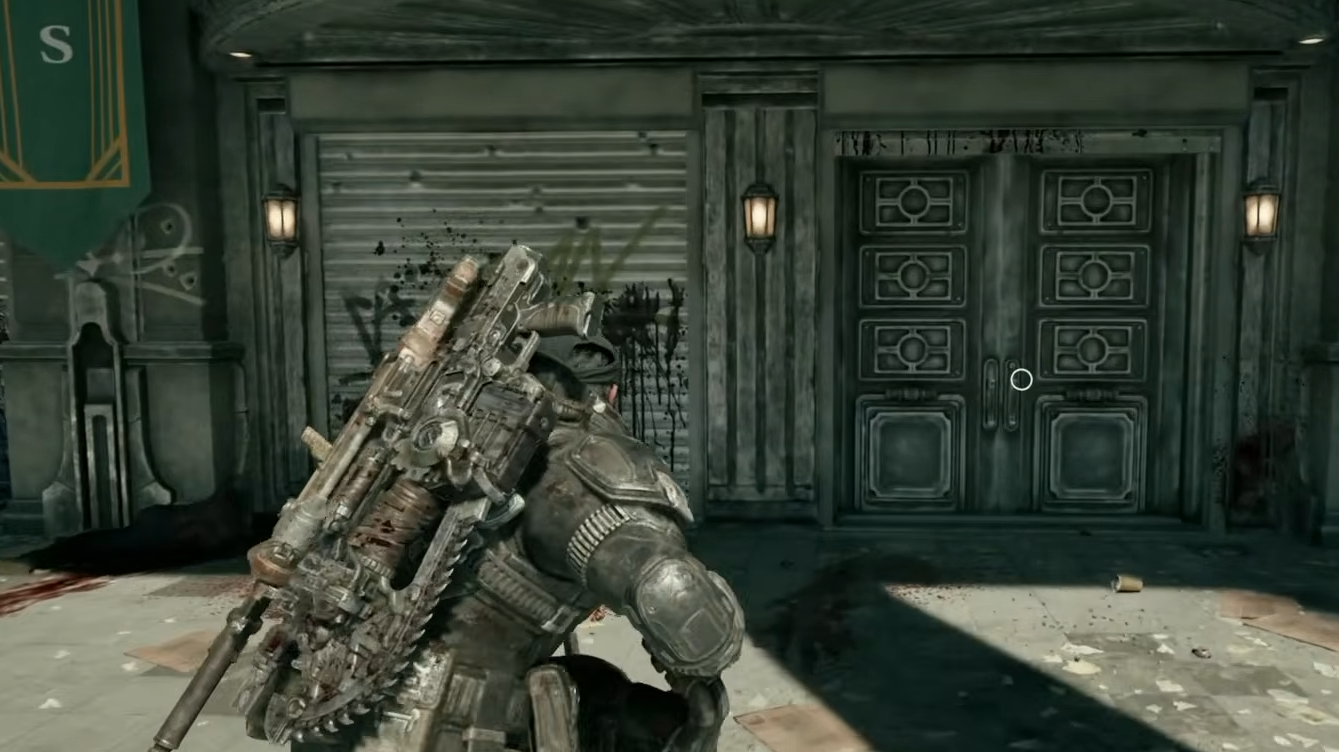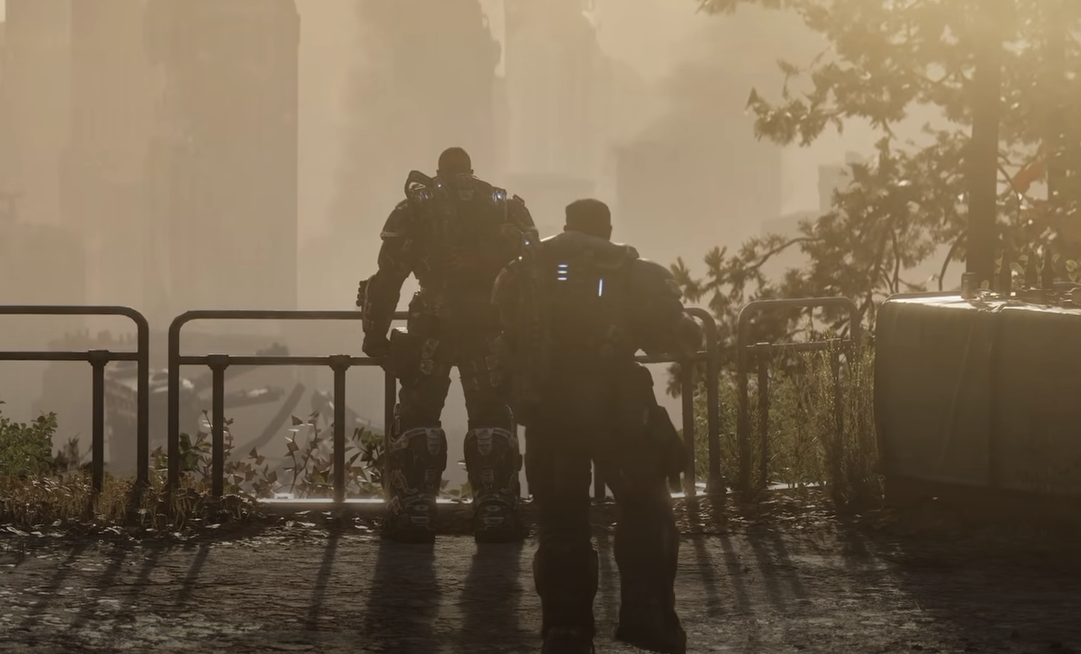
Gears of War has always worked well as a co-op series, and E-Day expands that side of the game beyond the traditional Marcus-and-Dom setup. You can play through the story alone, share a screen with another player on Xbox, or turn Bravo Squad into a full four-player online group.
Jump To Section:
Is the Campaign Co-Op?
How Many Players?
Does E-Day Have Split-Screen?
Does Campaign Co-Op Have Crossplay?
Who Do Co-Op Players Control?
How to Start Campaign Co-Op
Co-Op Achievement
Is the Gears of War: E-Day Campaign Co-Op?
Yes. The entire Gears of War: E-Day Campaign supports co-op. You can play online with up to four players, while Xbox Series X|S also supports two-player local split-screen Campaign co-op.
That means E-Day gives you three ways to play the story: solo with AI-controlled squadmates, two-player couch co-op on Xbox, or a full online Bravo Squad with as many as four human players.
Solo Campaign: 1 player with AI squadmates
Online Campaign Co-Op: Up to 4 players
Local Split-Screen: 2 players
Split-Screen Platforms: Xbox Series X|S only
Online Platforms: Xbox Series X|S and PC
This is separate from Horde Siege, which uses its own multiplayer structure. If you plan on jumping into Horde after the story, our Gears of War: E-Day best Horde class tier list covers which of the four Horde classes we recommend starting with.
How Many Players Can Play the E-Day Campaign?
The maximum Campaign party size is four players when playing online.
That is a significant change from the two-player structure many players associate with the earlier Gears campaigns. E-Day follows Bravo Squad throughout the story, giving the game four characters that can be occupied by real players rather than limiting online co-op to Marcus and one partner.
Local co-op has a smaller limit. Two players can share one Xbox in split-screen, but four-player co-op requires an online session.
1 Player: Solo Campaign
2 Players: Online or Xbox split-screen
3 Players: Online co-op
4 Players: Online co-op
If you only have two people, you do not need to fill the remaining squad slots with other players. The rest of Bravo Squad can still be handled by the game.
Does Gears of War: E-Day Have Split-Screen Campaign Co-Op?
Yes, but split-screen is limited to two players and is only available on console.
On Xbox Series X|S, two people can play through the Campaign together on the same system and display. You do not need four controllers or a full party just because the online Campaign supports four players.
PC does not have local split-screen, including the Windows/Xbox app and Steam versions. PC players who want to play the Campaign together need to use online co-op instead.
Xbox Series X|S: 2-player split-screen supported
PC: No local split-screen
Four-player Campaign: Online only
Does Gears of War: E-Day Campaign Co-Op Have Crossplay?
Yes. E-Day supports cross-platform co-op, so Xbox and PC players can play together rather than needing everyone to own the game on the same platform.
The Xbox version lists cross-platform co-op alongside online co-op support for two to four players. This is especially useful for a four-person Campaign group where some players are on Xbox Series X|S and others are playing through Windows PC.
Console players should keep one additional requirement in mind: online Campaign co-op requires an Xbox Game Pass subscription tier that includes online multiplayer. Local split-screen does not require an online session simply to put two players on the same console.
Who Do You Play as in Campaign Co-Op?
E-Day's four-person co-op setup works because the story follows Bravo Squad rather than treating extra players as duplicate versions of the same character.
The playable squad consists of Marcus Fenix, Dominic Santiago, Mags Carter, and Lucas Reyes. The Campaign can be played with these characters from the beginning rather than waiting for later chapters to unlock the complete group.
Marcus Fenix: Returning Gears protagonist
Dominic Santiago: Marcus' longtime squadmate
Mags Carter: Former Gear working at Kalona's Imulsion Refinery
Lucas Reyes: Young communications officer and cadet
With fewer than four human players, the remaining characters are handled by the game. You therefore do not need to organize a full four-person party just to experience the Campaign normally.
How to Start Campaign Co-Op in Gears of War: E-Day
For online co-op, start from the Campaign menu rather than entering Horde Siege or Versus. Create or load the Campaign save you want to use, open the Campaign lobby, and invite the players you want in your squad before starting the chapter.
1. Open Gears of War: E-Day.
2. Select Campaign.
3. Create a new Campaign or load your existing save.
4. Open the Campaign party/lobby.
5. Invite your friends.
6. Start or continue the Campaign once everyone has joined.
For local Xbox play, connect the second controller and add the second player through the Campaign's local co-op setup.
If either player is still adjusting to E-Day's rebuilt movement and aiming, our best Gears of War: E-Day controller settings include starting sensitivity, dead zones, control scheme, and gameplay settings.
Is There an Achievement for Playing the Campaign in Co-Op?
Yes. The You're My Brother achievement requires you to complete all Acts of the Campaign in co-op on any difficulty.
This means simply playing a few missions with another person is not enough if you are going for the achievement. You need co-op completion across the entire Campaign.
Players going for the full 1,000 Gamerscore should therefore decide early whether they want their first run to double as their co-op run. Our Gears of War: E-Day achievements guide covers You're My Brother along with the Campaign collectibles, Insane completion, Horde Siege requirements, Versus grind, and the rest of the 54 achievements.
So the short answer is yes: Gears of War: E-Day can be played cooperatively from beginning to end. Two players can share an Xbox locally, while online groups can expand all the way to four players and fill out Bravo Squad together.