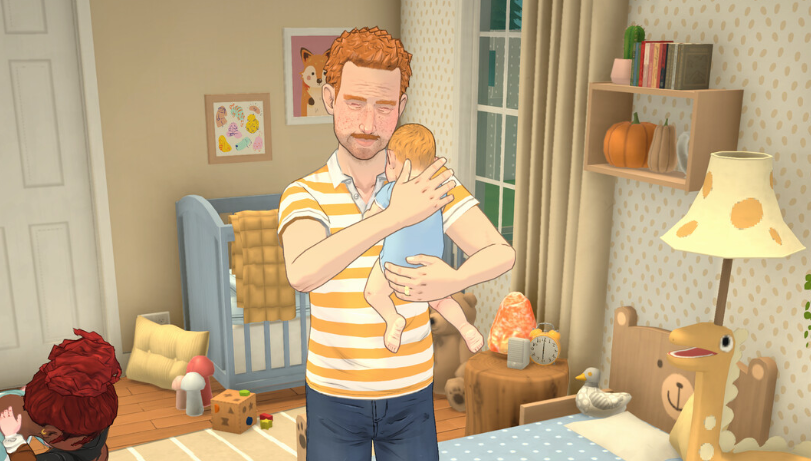
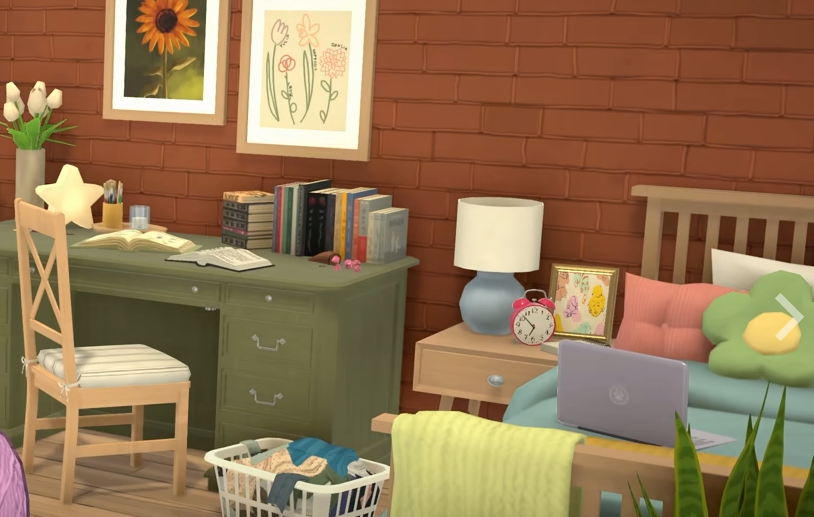
Paralives has a lot of small systems that connect fast once a save gets moving. Jobs affect money, money affects housing, housing affects family growth, Storytellers change how forgiving the save feels, and performance settings can make the difference between a smooth session and Early Access doing Early Access things.
This Paralives guide hub collects the main GamerBlurb guides for getting started, careers, building, moving houses, family gameplay, Steam Deck play, and performance fixes in one place.
Jump To
Getting Started In Paralives
The first big choice in Paralives is not the house, job, or family plan. It is the Storyteller, because that setting changes the tone of the save before life in Melino really begins.
Paralives: Which Storyteller Should You Choose? explains the difference between Maxence, Stella, and Ricardo Castello III, including which one works best for a first save, cozy play, building, family growth, and challenge focused households.
Maxence is the clean first save pick, Stella is better for relaxed building and easier daily life, and Ricardo Castello III is the choice for saves where things should go wrong more often. Storyteller settings can also be changed later, so the first choice is not as permanent as it looks.
Paralives Jobs And Careers
Careers in Paralives use job listings, Application Points, schedules, performance, Upgrade Points, perks, and strikes. That makes jobs more flexible than a simple promotion ladder, but it also makes the career menu more important than it first appears.
Paralives: How To Go To Work covers the basic work loop, including how to get hired, where to check the work schedule, what happens during a shift, why a Para may not go to work, and how job performance affects strikes and Upgrade Points.
Paralives All Jobs List: Careers And Occupations covers every known career field, starter jobs, best paying jobs, Application Points, job requirements, and the best career paths by skill focus.
The best early career move is usually a Rank 1 job that matches the Para’s skill path. Higher paying jobs are better later once the Para has enough Application Points, relevant experience, and a schedule that does not turn daily life into a sleep deprived mess.
Paralives Building And Moving Guides
Build Mode and moving houses are closely connected in Paralives. A household can buy a new lot, keep more than 1 property, sell the old home, split Parafolks into separate households, or build from an empty lot when premade houses do not fit.
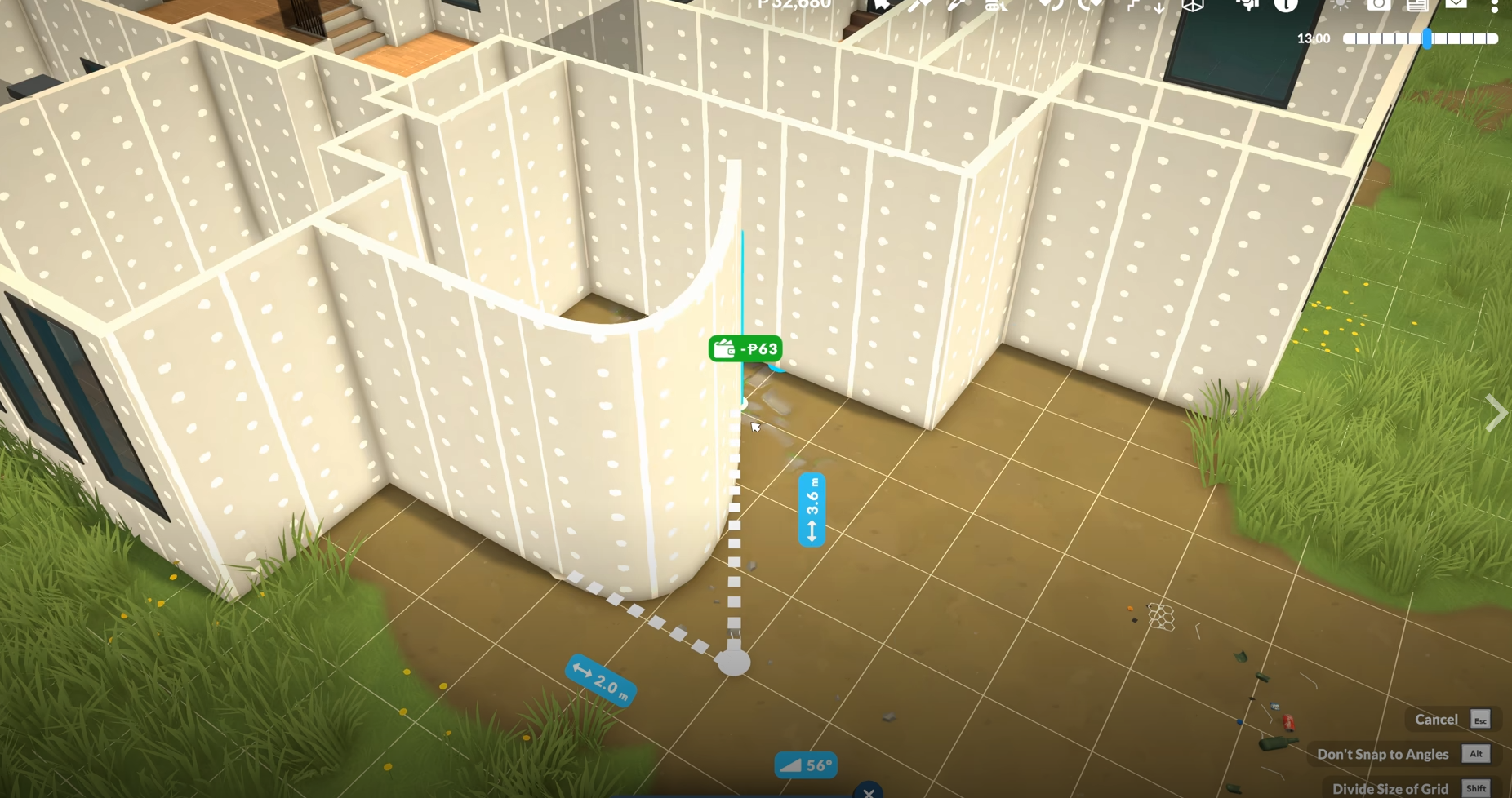
Paralives Build Mode Guide explains the best build order, lot planning, walls, platforms, doors, windows, stairs, roofs, paint, terrain tools, and beginner mistakes. It is the best starting point for players who want to build cleaner houses instead of fighting the menu one tool at a time.
Paralives: How To Move Houses explains how moving works from town view, including buying new homes, selling old houses, keeping 2 properties, splitting households, and placing a saved lot from the library.
The best building plan is simple. Pick the lot first, build a clean shell, fix the room flow, place doors and stairs, solve the roof, then decorate. The best moving plan is just as practical, inspect the new house, protect the household budget, and do not sell or split anything until the living setup is clear.
Paralives Family And Household Guides
Family gameplay in Paralives starts before the baby arrives. Pregnancy settings, relationship progress, Together Cards, adoption, home size, and household money all affect how smooth the family stage feels.
Paralives: How To Try For A Baby covers compatible pregnancy settings, how to unlock Try for a Baby, why both Paras must be selected, how to take a pregnancy test, pregnancy length, adoption, and what to do when the bed option does not appear.
Before growing the household, it is worth checking the house layout and budget. Babies do not need a mansion, but a cramped home with poor room flow can make the early family stage more annoying than it needs to be. This is where moving houses or using Build Mode before the birth can save the household from future furniture gymnastics.
Paralives Performance And Steam Deck Guides
Paralives is in Early Access, so performance can vary by PC, lot size, camera distance, graphics settings, and Steam Deck setup. The best experience usually comes from chasing stability first instead of forcing max settings.
Paralives Best Settings: Fix Stutter, Lag, And Crashes explains the best settings for stable FPS, what to lower first, how to reduce crashes, Steam Deck settings, laptop advice, and which settings are not worth maxing yet.
Paralives: Can You Play On Steam Deck? covers handheld performance, Steam Deck settings, Proton notes, Steam Input controls, the on screen keyboard shortcut, docked play, and common Steam Deck issues.
For most players, stable settings beat high settings. Paralives does not need an uncapped frame rate to feel good. It needs clean camera movement, readable menus, fewer stutters, and a save that does not crash right after a house finally looks decent. Inspirational? No. Important? Absolutely.
Final Blurb
This Paralives guide hub is built to cover the systems that shape the early game and long term save flow. Storytellers set the tone, jobs pay for the household, Build Mode shapes the home, moving fixes space problems, family systems grow the save, and performance settings keep the game playable while Early Access keeps doing Early Access things.
The best way to learn Paralives is to treat each system as part of the same save. A better job makes moving easier. A better house makes family growth smoother. A better Storyteller setup makes careers and daily life feel less annoying. A better settings setup keeps the whole thing from stuttering while a Para walks 10 feet to make toast. Life sim progress, beautiful and slightly ridiculous.