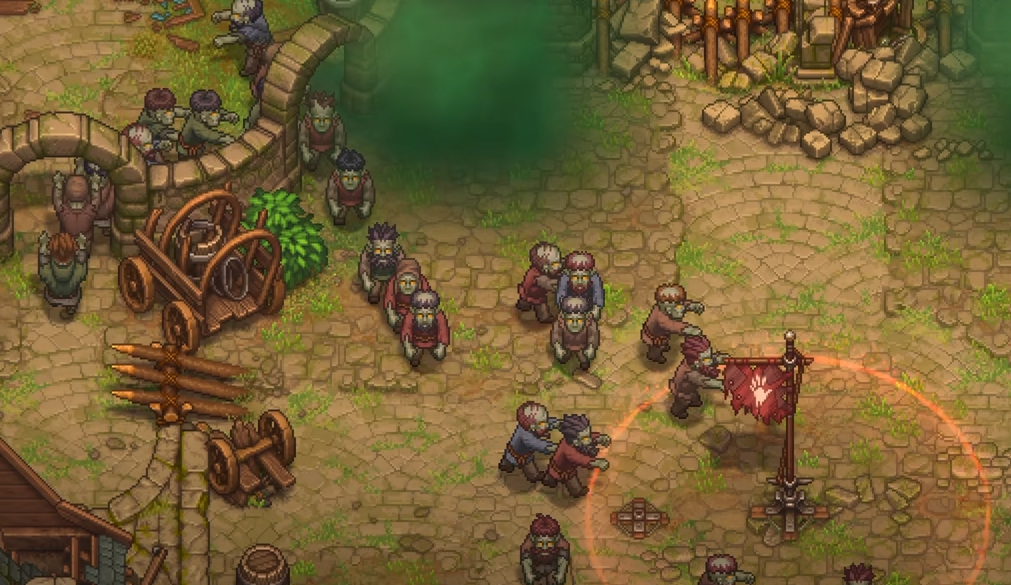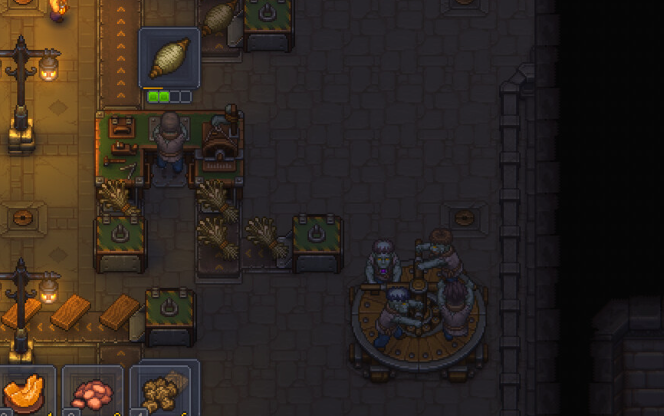
Zombies in Graveyard Keeper 2 can automate a huge amount of work around your base, but assigning one to a workstation is only part of the setup. A worker still needs enough Mastery for the job, usually gets that initial Mastery from an equipped tool, and may need another zombie handling materials before the entire production chain can run without you.
Jump To Section:
How to Make Zombies Work
Tools and Mastery
Supplier Station Automation
Automating Crafting
Zombie Perks and Red Skulls
Using Zombies for Gardening
Upgrading Zombies
Why Your Zombie Isn't Working
Give a Zombie a Job, the Right Tool, and Enough Mastery
To use a zombie, place it at a compatible worker station, inspect the zombie and equip the tool needed for that type of work, then make sure its Mastery is high enough for the task you want it to perform.
For crafting jobs, you also need to queue the recipe at the workstation. For automated farming, the zombie needs a Gardener Stand and a crop assignment. If materials need to move between storage and workstations, a Supplier Station can handle that separately.
The Basic Zombie Setup
• Assign the zombie to a compatible station
• Equip the correct tool
• Check its Mastery against the job requirement
• Supply the necessary materials
• Queue the recipe or assign the work
• Add a supplier zombie when materials need to move automatically
The easiest way to understand the system is to stop thinking of zombies as workers that automatically know every job. You're building a workforce where each zombie needs enough skill and the right equipment for whatever station you're asking it to operate.
If you still need to create additional workers, the Graveyard Keeper 2 Zombies guide covers the broader resurrection system, while the Reanimation Liquid guide covers one of the main materials required to bring new zombies to life.
Tools Give Zombies the Mastery They Need to Start Working
A fresh zombie can have zero Mastery in the job you want it to perform, while even basic recipes may require one or two points before the worker is allowed to start.
Tools solve that initial problem.
Inspect the zombie, select its hand slot, and give it the appropriate tool. The tool adds Mastery just like equipment does for the Keeper, and higher-tier tools provide larger bonuses.
Examples
• Gardening worker: Give it a shovel
• Crafting worker: Equip the tool required by the recipe
• Higher-tier job: Use a better tool for more Mastery
• Changing jobs: Swap the zombie's tool if the new work requires something different
This also gives those older tools you've replaced on the Keeper another purpose. A tool that is weak for you can still be enough to push a zombie over the Mastery requirement for a basic production job.
I wouldn't automatically hand every worker your best equipment, though. Match the tool to the recipe. If a Bronze tool already gives enough Mastery for everything that zombie is making, putting a much better one there doesn't necessarily improve the production chain enough to justify tying it up.
Use a Supplier Station to Move Materials and Finished Items
A worker zombie handles the actual craft. A supplier zombie handles the logistics around it.
Place one zombie at a Supplier Station and it can move required materials from nearby storage to your active crafting stations, then collect finished products and return them to a chest.
That division of labor is what turns a zombie-operated workstation into genuine automation.
Simple Automation Chain
• Chest contains raw materials
• Supplier zombie takes materials to the workstation
• Worker zombie completes the queued recipe
• Supplier zombie collects the finished item
• Finished item returns to storage
• The cycle repeats while the queue and materials remain valid
For a fully automated crafting station, that usually means two zombies: one operating the workstation and another assigned to supply duties.
The supplier doesn't replace the crafting zombie. If nobody is assigned to the Furnace, workbench, or other production station, there's nothing for the supplier to support.
You Still Need to Queue What the Zombie Should Make
Zombies don't independently decide which recipes your base needs.
Go to the crafting station and queue the item you want produced. Once a capable zombie is assigned and the supplier network can provide the ingredients, the workers can handle the production loop for you.
This makes queue management the part of automation that still belongs to the player.
Before Leaving an Automated Station
• Assign the worker zombie
• Check the recipe's Mastery requirement
• Equip the required tool
• Put the raw materials in accessible storage
• Queue the craft
• Leave an empty storage slot for the finished product
Storage matters on both ends. If you're carrying the required ingredients yourself instead of leaving them in the automation network, the supplier has nothing to deliver. Likewise, a full chest can stop the flow once finished items have nowhere to go.
For something like automated smelting, one zombie can operate the Furnace while the supplier moves ore or other inputs in and removes finished Ingots afterward. You no longer need to manually empty the station after every batch as long as the rest of the chain is set up correctly.
Later, the Graveyard Keeper 2 Factory guide covers the larger automation systems that build on this same idea.
Zombies Earn Their Own Perk Points by Doing Related Work
Tools get a zombie started, but working is how that zombie becomes better at a particular type of job.
As zombies perform tasks, they can earn points tied to their own perk branches. Those points belong to the zombie rather than being added to the Keeper's Red, Green, or Blue Tech Point totals.
You can then spend the zombie's earned points on perks that further improve what it can do.
Red skulls determine how much perk potential the zombie has. More red skulls allow access to more perks, so corpse quality still matters even though the system no longer works exactly like zombie efficiency did in the first Graveyard Keeper.
Think of Zombie Skill in Three Layers
• Tool: Gives immediate Mastery
• Work: Earns the zombie's own perk points
• Red skulls: Affect how many perks that zombie can ultimately support
This is why I wouldn't constantly move every zombie between unrelated jobs. If one worker has already spent a long time developing the branch that supports a particular station, keeping it specialized lets you take advantage of what it has already earned.
Zombie Gardening Uses Its Own Stand and Crop Assignments
Farming works differently from ordinary crafting because you don't place a zombie directly onto a Garden Bed.
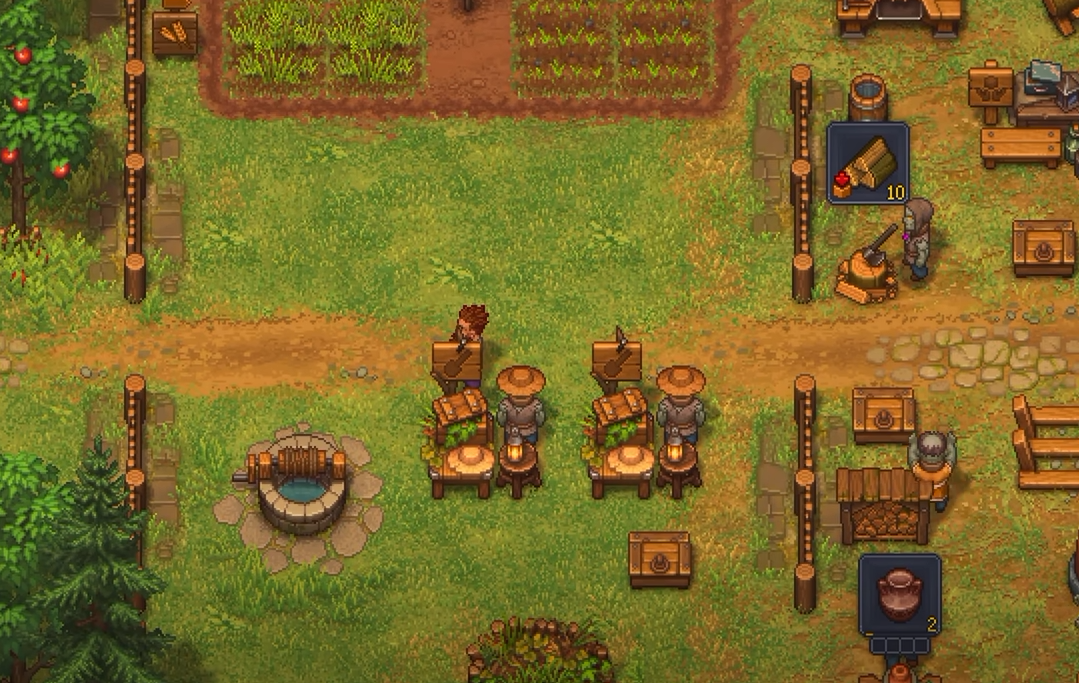
After unlocking Zombie Gardening, build a Gardener Stand and assign the worker there. Give the zombie a shovel for Farming Mastery, then use the Garden Blueprint Desk's crop-tablet section to tell it what the nearby rows should grow.
Zombie Gardening Requires
• Zombie Gardening technology
• Gardener Stand
• Zombie assigned to the stand
• Shovel equipped
• Enough Farming Mastery for the crop
• Garden Beds
• Crop tablet assignment
• Seeds and available storage
Fertilizer is one part the zombie won't handle for you. Apply it to empty beds yourself, then let the worker resume planting and harvesting afterward.
There are enough extra pieces to farming that I separated the full setup into the Graveyard Keeper 2 Zombie Gardening guide, including crop tablets, fertilizers, the Lifting Crane, storage, and the common reasons a gardener remains idle.
You Can Bring a Zombie Back to the Autopsy Table
Resurrection doesn't necessarily lock a corpse into its original anatomy forever.
You can return a zombie to the Autopsy Table and replace compatible body parts, giving you another way to improve workers you've already created rather than throwing them away whenever you gain access to better corpses or organs.
That makes established zombies more valuable than they may initially appear.
I would especially consider upgrading a worker that already has useful perks. Starting over with a fresh corpse may give you a better anatomical base, but it also means building that new worker's job-specific experience again.
Before Replacing an Existing Zombie
• Check the perks it has already earned
• Check its current red-skull potential
• See whether better organs can improve the same worker
• Consider whether starting a fresh specialist is actually worth it
If a Zombie Is Standing Still, Check the Job Chain From the End Backward
An idle zombie doesn't automatically mean the worker is broken.
Start with the final product and work backward. Is there somewhere to store it? Is the recipe still queued? Does the station have the necessary materials? Does the assigned worker have enough Mastery? Is the correct tool equipped?
Zombie Not Working Checklist
• Make sure something is actually queued
• Check that the required materials are in accessible storage
• Confirm a zombie is assigned to the crafting station
• Check the worker's Mastery requirement
• Equip the correct tool
• Make sure the finished item has somewhere to go
• Add a supplier zombie if materials need to move between storage and the station
If the Supplier Station zombie is the one standing still, inspect the workers it is supposed to support. A supplier has no reason to move when there is no active craft, when the workstation zombie can't perform the recipe, or when the destination chest is full.
There have also been reports of workers occasionally stopping even when a setup appears valid, particularly after changing queues or assignments. If you've checked every requirement and the same station suddenly stops after previously working, reassigning the worker or refreshing the queue is worth trying before rebuilding the entire area.
The easiest way to build a reliable zombie base is one production chain at a time. Start with a single workstation, one capable worker, one supplier, and a chest. Once that runs continuously, add the next station rather than trying to automate your entire base in one pass.
That's the main difference between simply owning zombies and actually using them well in Graveyard Keeper 2. Tools get them started, repeated work develops their perks, Supplier Stations keep materials moving, and specialization turns individual undead workers into an actual production network.
For more zombie, crafting, and automation help, the Graveyard Keeper 2 guides cover the other systems and materials you'll need around the base.